Stories and character briefs
Define the story goal, relationships, setting, character appearance, clothing and art direction as a shared reference for later shots.
 eluai
eluaiAI short drama
Organize a story, characters, settings and storyboards in ELUAI, connecting references, images and video shots on an infinite canvas. Validate one character and one shot before expanding the sequence so inputs, results and revisions stay easy to follow.
Define the story goal, relationships, setting, character appearance, clothing and art direction as a shared reference for later shots.
Describe framing, character placement, action and lighting for each shot. Connect character references and approve the still images first.
Use approved frames with an available image-to-video operation. Describe one action and camera movement, then check each shot.
Set the premise, character appearance, wardrobe, setting and palette so every shot shares a clear visual brief.
Start from the home page’s short-drama mode or organize story materials on the canvas. Give each shot its own brief and connect its character and setting references.
Approve characters, props and composition first. Then choose an available video model’s duration, format and resolution and review its estimate.
Check identity, wardrobe, lighting, action and transitions. Keep useful shots and revise the parts that need work. Review editing, audio and subtitles for the final delivery.
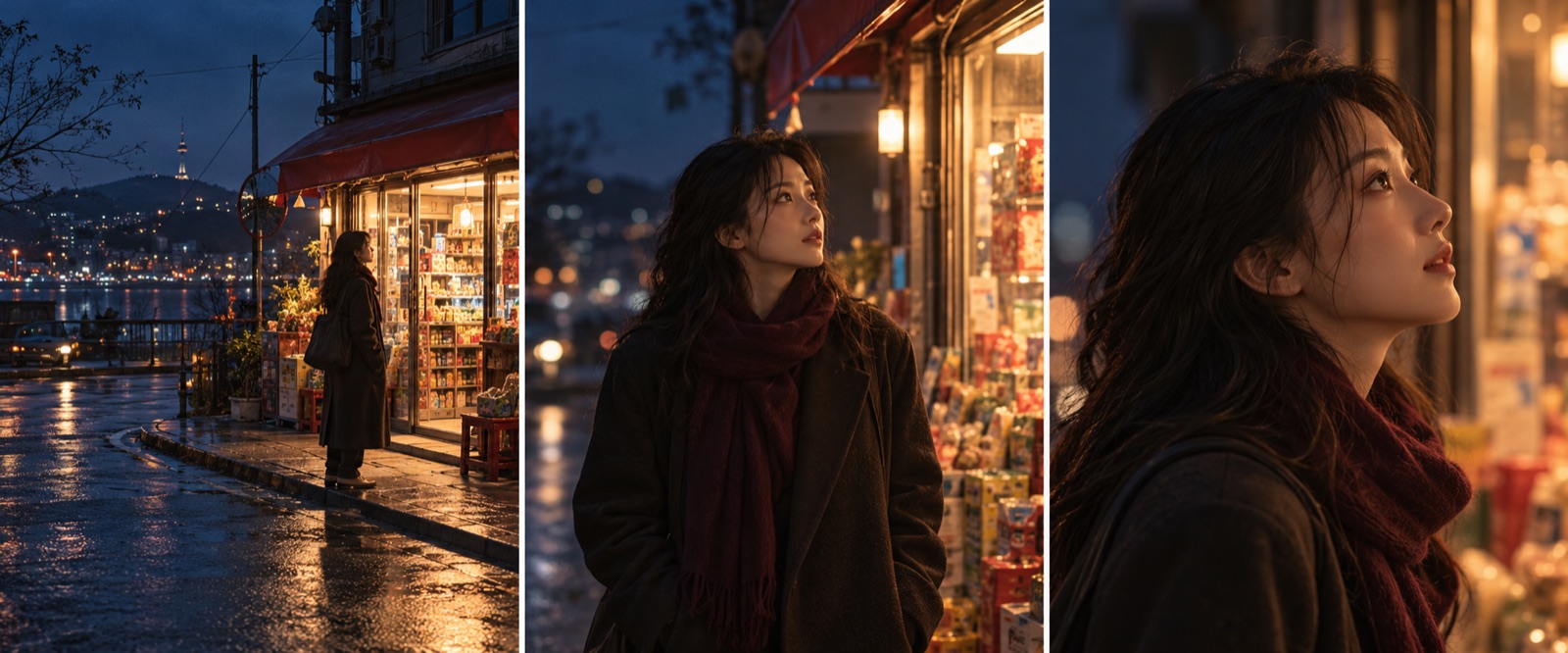
These prompts are examples. The images are AI-generated illustrations, not customer case studies; results depend on the model, references and settings.
Keep the referenced character’s appearance, dark coat and hairstyle. At night outside a convenience store, warm interior light falls on the face. Use a medium shot with the character on the left; no text.
Use the approved storyboard frame. Slowly push the camera in as the character turns gently toward the store. Keep position, coat color and lighting consistent, with one continuous action.
Repeated prompts alone do not guarantee character identity or shot continuity; use references and review each shot.
Storyboard images and videos incur separate usage. Check the actual tools and models for duration, voice, audio and output support.
Review the live estimate before each generation. Usage varies with the model, settings and count.
Yes. Organize characters and settings, create and review storyboard images and submit video tasks only when motion is needed.
No. A short drama needs story, characters, storyboards, shots and finishing checks. ELUAI organizes the workflow; delivery depends on the input, model output and human revisions.
Approve key storyboard images first. Fix identity, wardrobe or composition before generating video and reviewing motion and continuity.