Text to video
Describe the subject, setting, action and camera movement to explore a shot from text.

AI video generation
Describe motion in words or animate an existing image. Eluai brings video models into one workflow: plan a shot, then choose a currently supported duration, aspect ratio, and resolution.
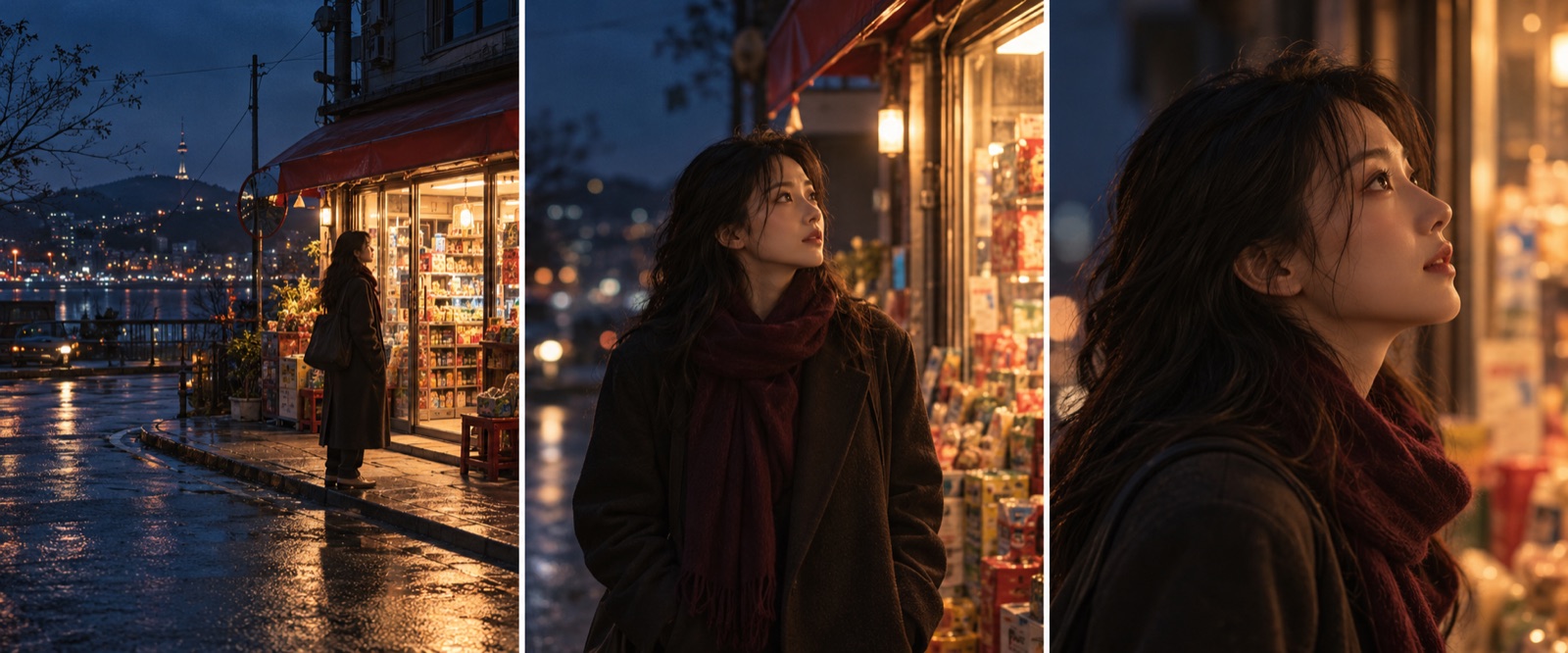
Describe the subject, setting, action and camera movement to explore a shot from text.
Use an image you have rights to as a reference and describe what should stay and what should move.
Split a longer story into reviewable shots, then edit the clips and sound separately.
Define the subject, setting and action, then add framing, lighting and camera movement.
Upload an image when continuity matters, and check that the selected model and operation accept it.
Choose from the duration, frame, resolution and audio options currently available.
Review estimated credits before submission, then check motion, subject, framing and audio.
These prompts are examples. The images are AI-generated illustrations, not customer case studies; results depend on the model, references and settings.
A white ceramic mug on a light wooden table, morning light from a window on the left, a slow camera push in, soft background blur; keep the mug still.
Use the reference frame as a starting point. The person gently turns toward the window as a curtain moves in a breeze; retain clothing colors, scene layout and camera direction.
Check people, product details, motion continuity and sound; a result may need several revisions.
Video and storyboard images are separate tasks; use the live pre-submission information for usage and availability.
Review the live estimate before each generation. Usage varies with the model, settings and count.
Choose a model that currently supports image-to-video and upload a reference; the interface shows accepted types and counts.
Start with a subject, environment, action, camera and lighting; describe one observable action and iterate.
Models and settings may be billed by duration or per request. Check the estimate and final task settlement.