
RECORDED WORKFLOW / OCT 29, 2026
One winter outfit, three scenes: a recorded ELUAI workflow
A teaching project generated in ELUAI on October 29, 2026: three scenes, two rounds and six image tasks. The character and outfit are fictional AI teaching assets; this is not a customer campaign or a test of a physical garment.
Recorded settings and cost
- Model at the time
- Image 2.5 Flare Pro
- Submitted settings
- 2K · 3:4 · 1 image per task
- Iterations
- 3 scenes × 2 rounds = 6 completed tasks
- Recorded charges
- 12 credits per task; 72 credits in total
- Selected original files
- All three are 1536 × 2048 pixels
- What the charge covers
- Six ELUAI scene generations; reference creation and later editing are excluded
These are historical task records, not a current quote or a typical success-rate claim. Model routes and prices may have changed. Confirm today's configuration and complete task estimate before generating. Current pricing and budget examples ↗
The two shared teaching references
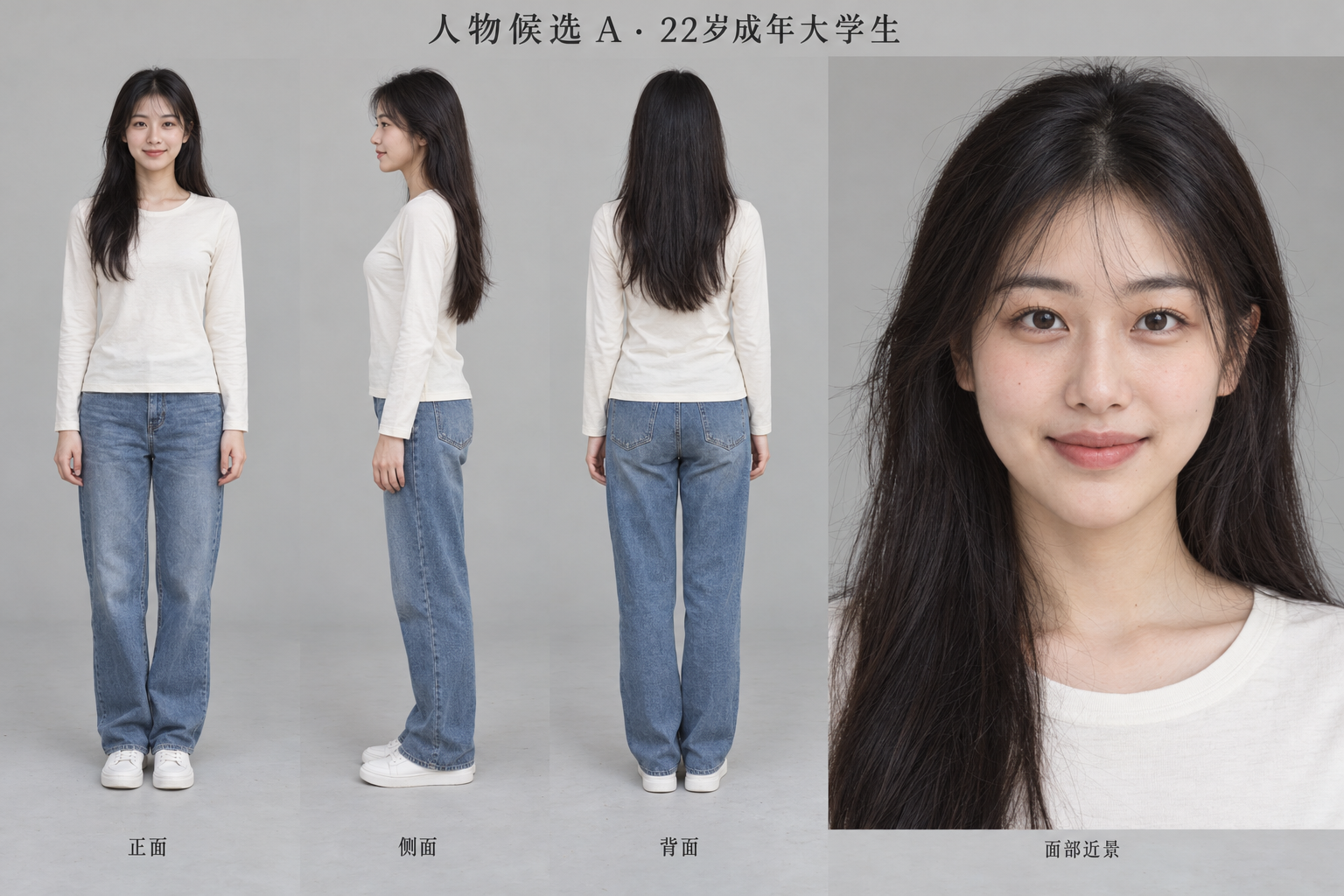
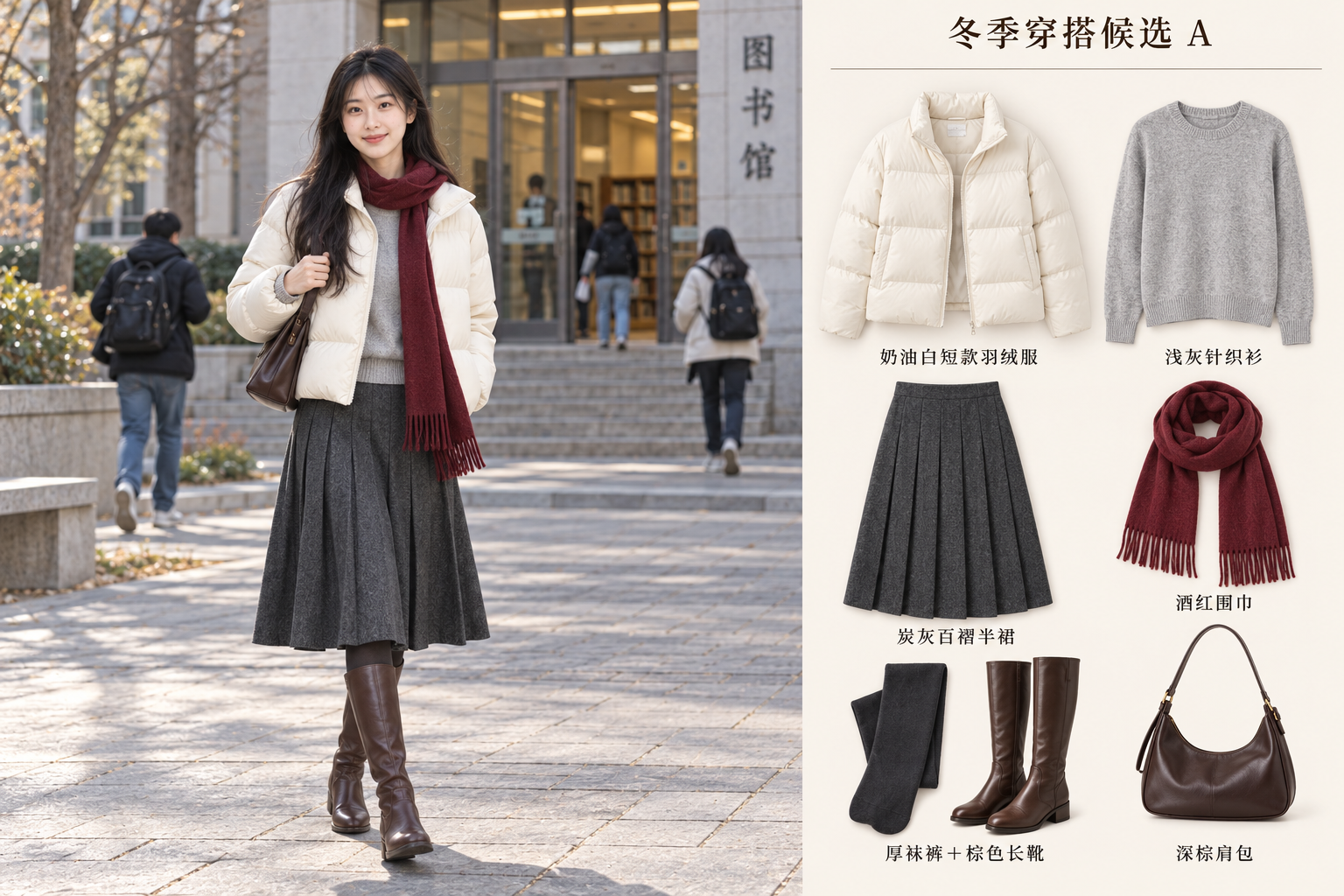
1. Give each reference a clear role
The AI character board supplies identity; the AI outfit board supplies garment appearance. The final round also used a photography-style reference for each scene. Those source photographs are not redistributed here. The public screenshots show only the approved teaching assets.
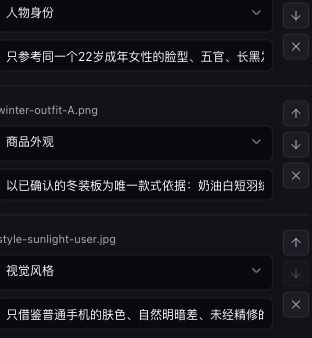
2. Keep common references connected
The recorded canvas has five reference nodes and three scene nodes, with nine connections. All scenes reuse the same character and outfit. Each scene additionally has its own photography-style reference. The crop below omits those source photographs.
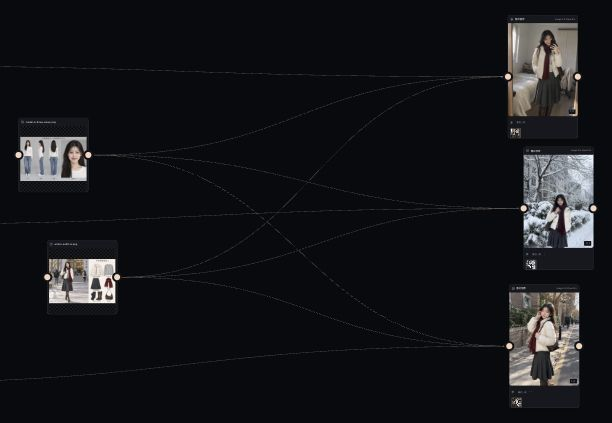
3. Change the scene, then compare the result
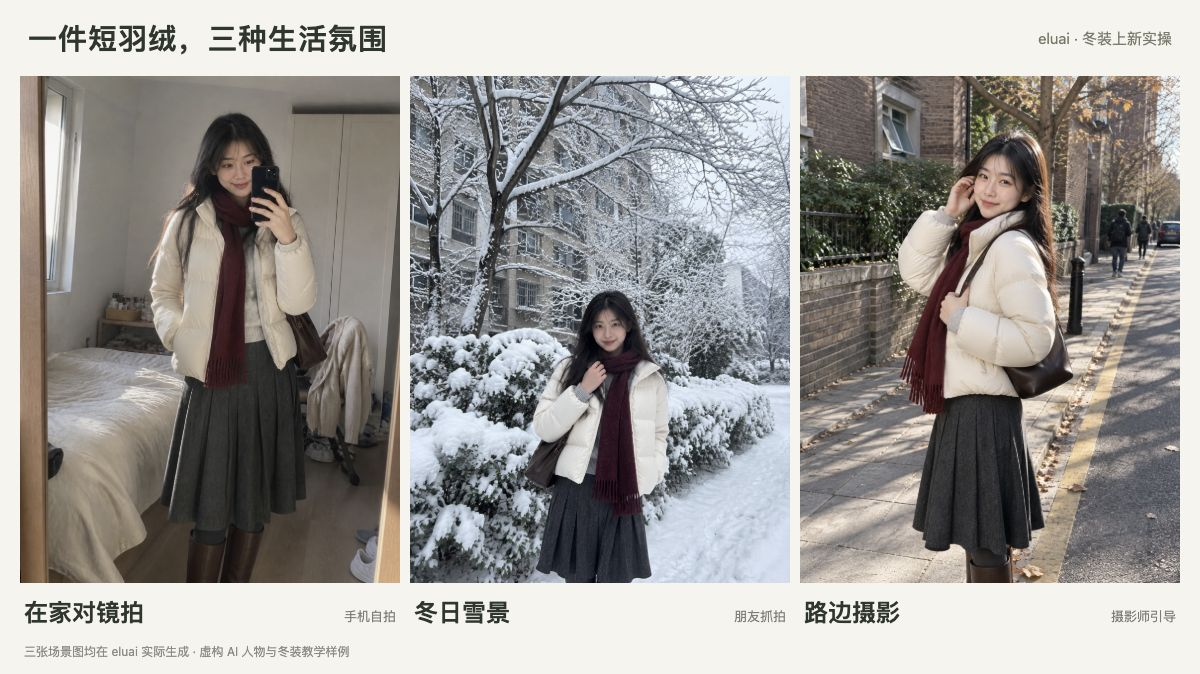
The three shots are a home mirror photo, a snowy outdoor scene and a sunlit street portrait. Each was generated twice. The selected second-round results added scene-specific photography-style references. This change is part of the recorded process, not a controlled comparison proving that a single parameter improved quality.
4. Inspect what still changed
The main cream color, stand collar and short puffer silhouette remain recognizable. Quilting spacing, fabric texture and local folds still vary. Compare these areas against the source garment; do not approve an ecommerce image just because the overall mood looks right.
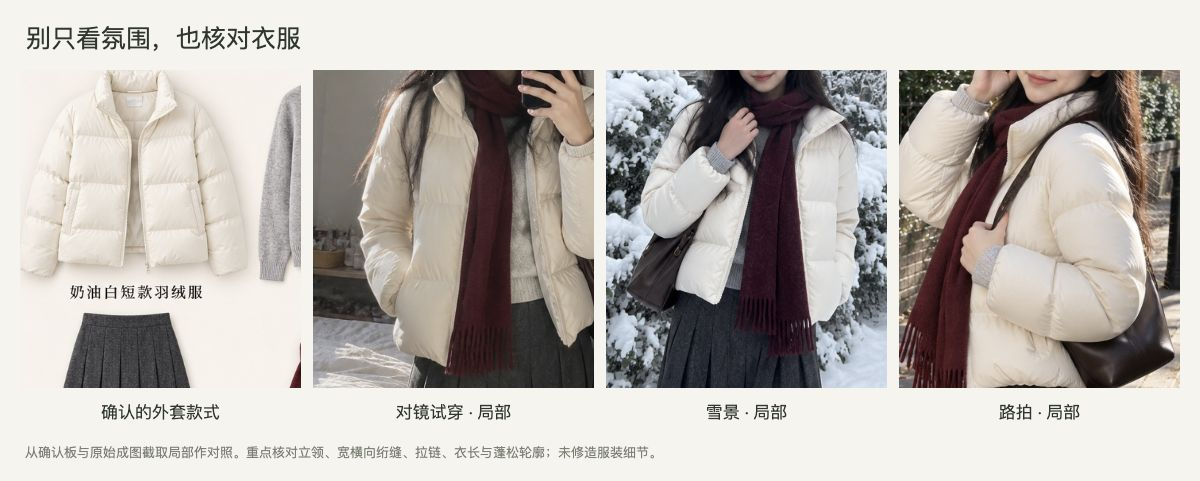
Inspect the selected images
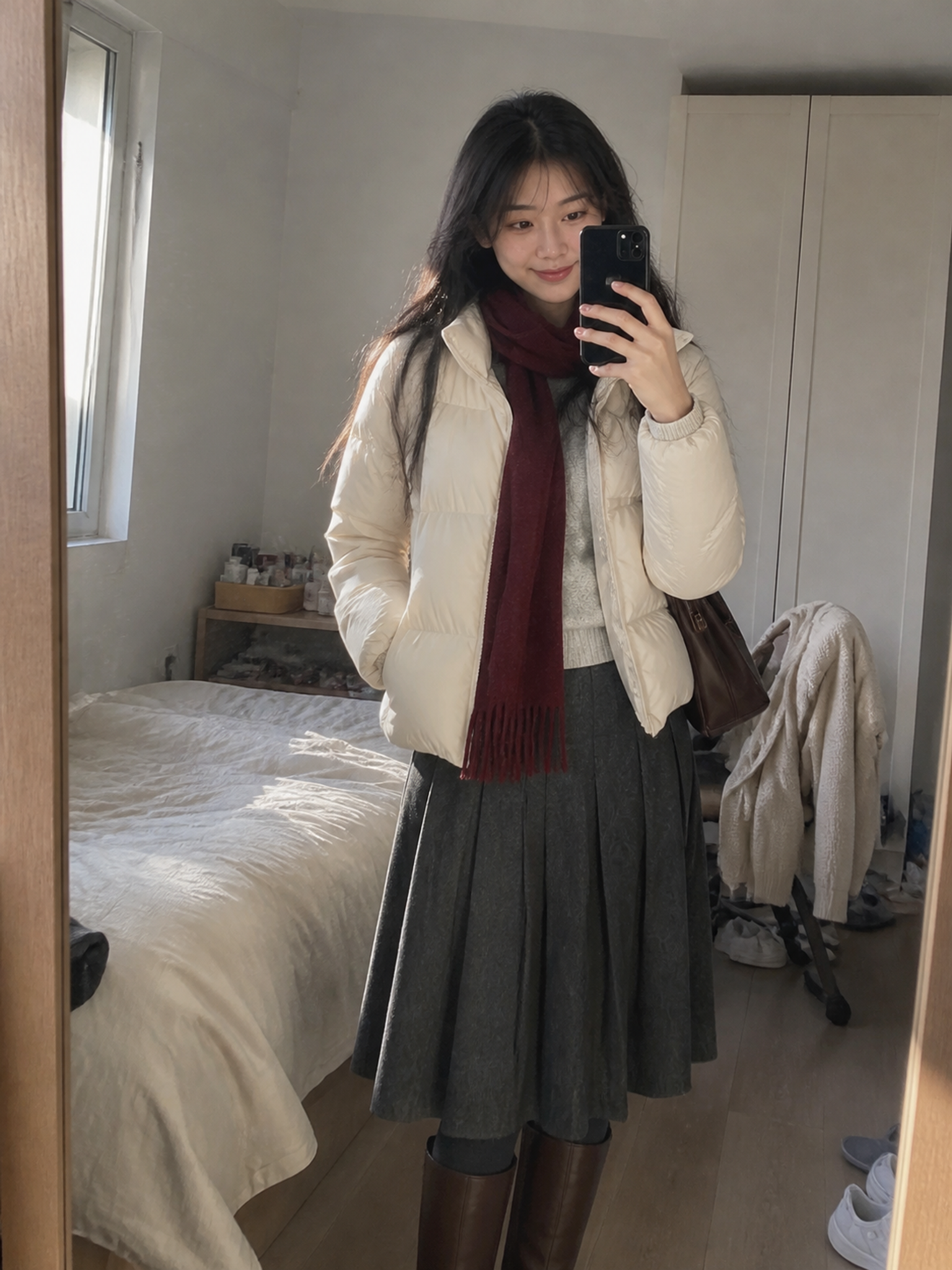
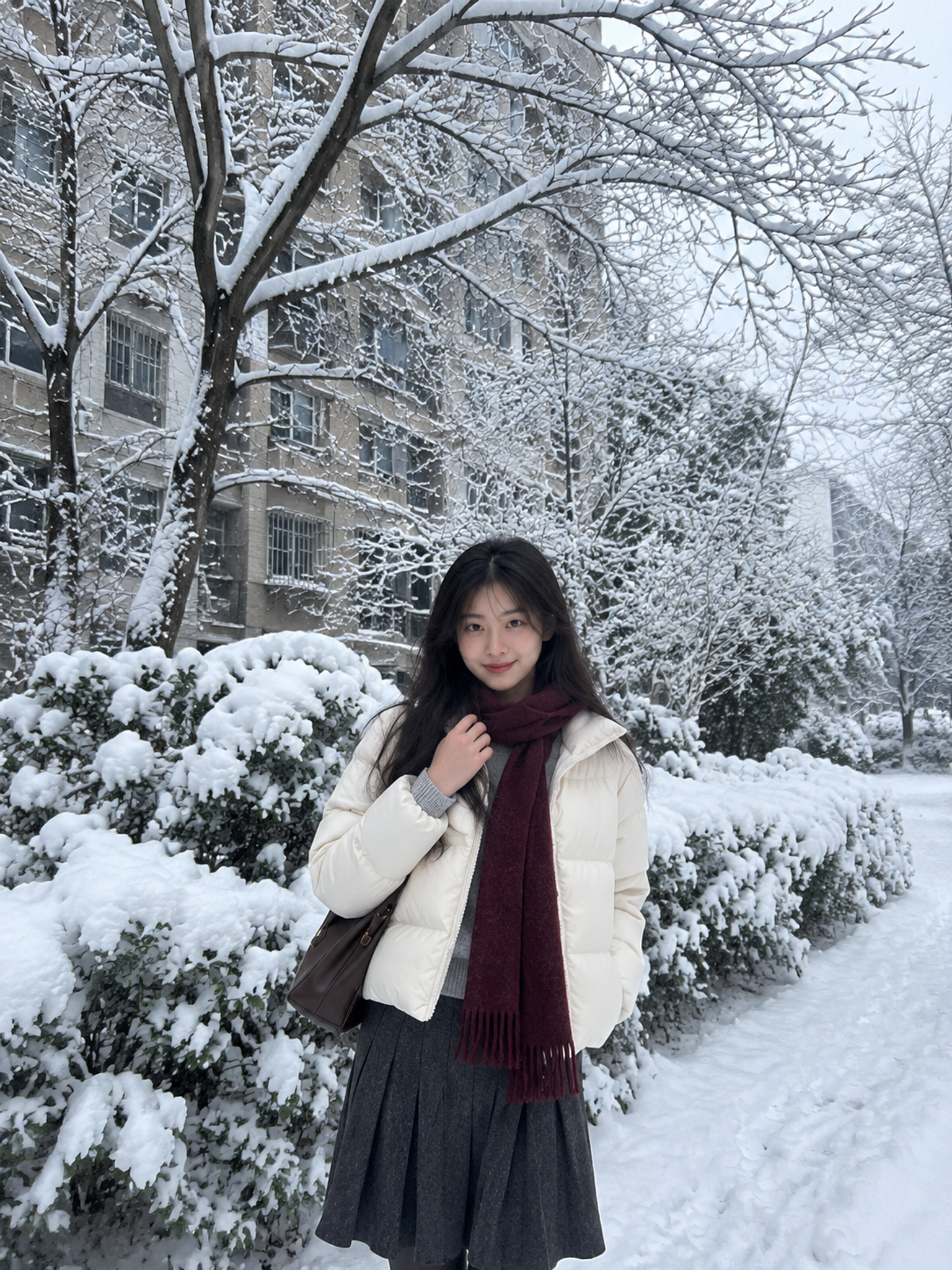
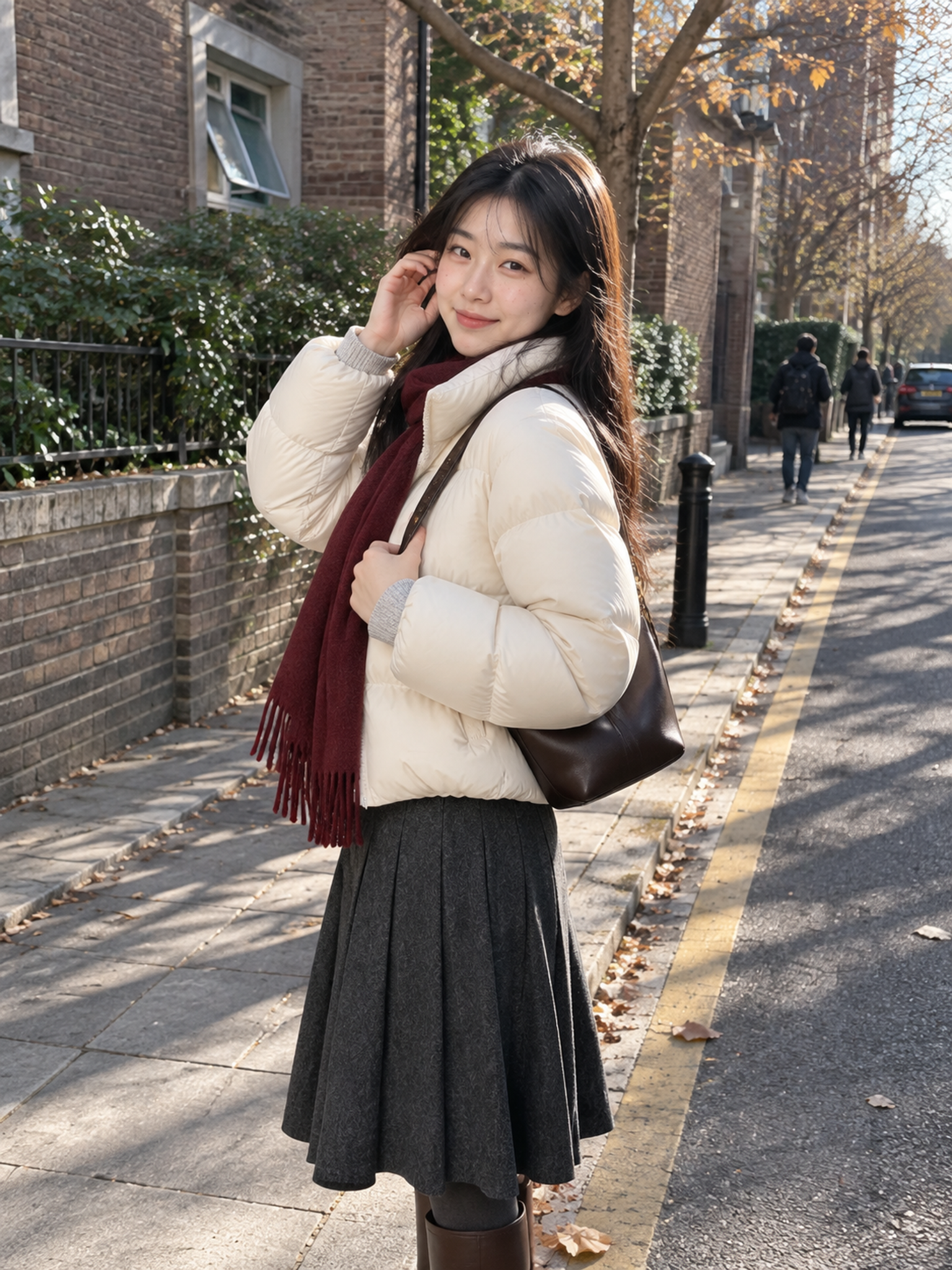
The website serves lossless WebP copies at the original pixel dimensions. Click a scene to inspect it.
Adapt the reference instructions
Keep the character's facial features and long dark hair from the identity reference; allow a natural head turn and expression. Use the outfit reference for the cream short puffer's stand collar, wide horizontal quilting, hem length and silhouette. Describe the scene, light and camera separately. Do not copy reference-board text or add a logo.
This is a shortened teaching prompt. The six historical tasks used scene-specific prompts and reference combinations; this text is not their complete original input.
For your own product, start with one verified scene, inspect details and only then extend the set. Keep successful images and revise the relevant node. Check the current guide for today's interface; screenshots here document the October 29 workflow.