Atmospheric shots
Describe the setting, light, ambient sound and camera motion to make an opener or a transition shot.

Muse Video
Muse Video on eluai creates 10-second 720p MP4 clips with audio from text prompts, with an option to upload one reference image. Each clip costs 60 credits and is available in 16:9 landscape or 9:16 portrait. Accounts with enough available credits can generate clips without a recharge history.
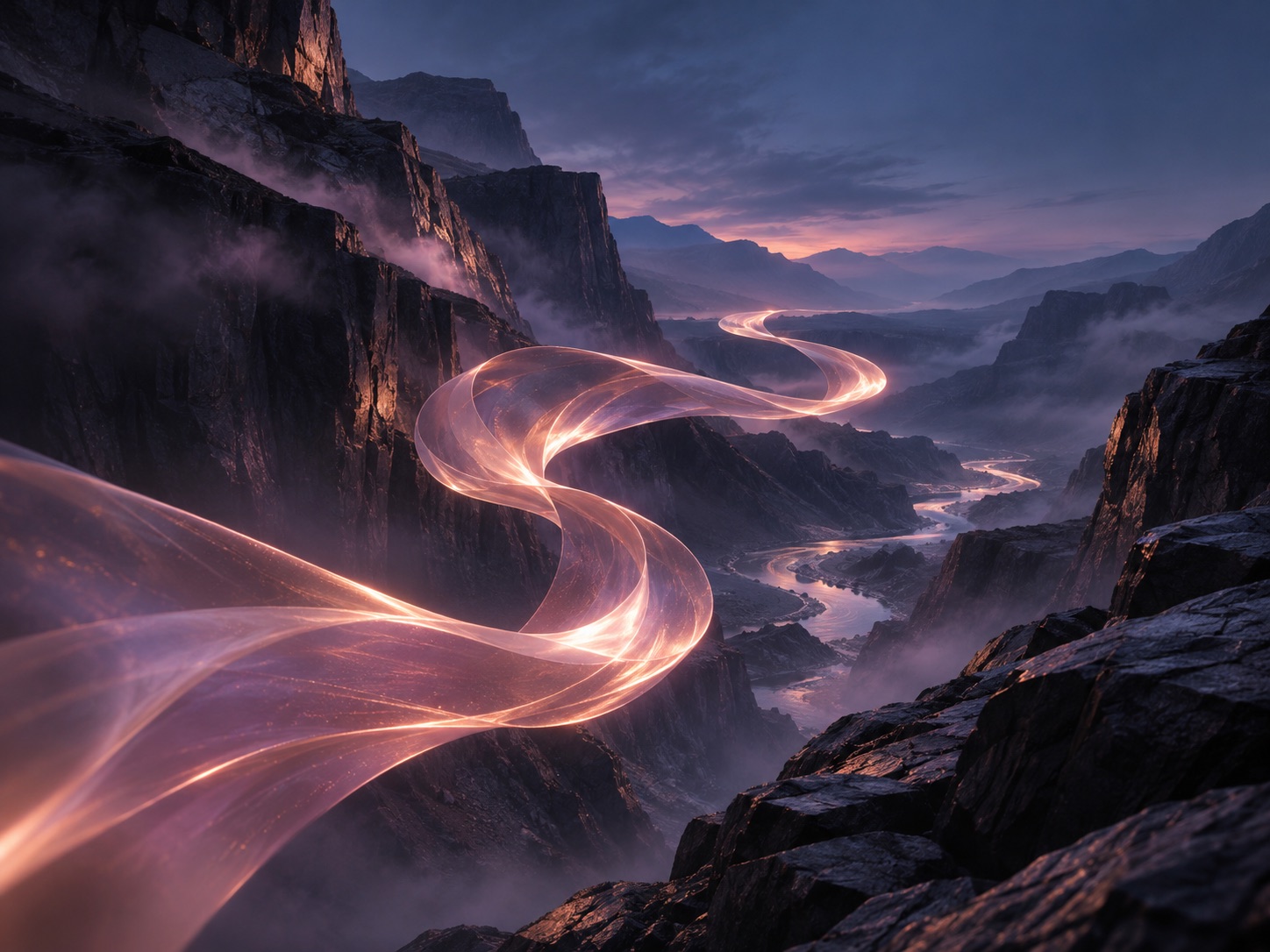
Describe the setting, light, ambient sound and camera motion to make an opener or a transition shot.
Choose 9:16, place the subject in the frame and design a single complete action for mobile viewing.
Break a longer scene into separate shots, check the image and sound of each, then assemble them in an editor.
Add a video node in Studio and select Muse Video. Upload one reference image to submit an image-to-video job.
Describe the subject, action, camera movement and ambient sound, then select landscape or portrait.
Confirm the 60-credit quote. When the clip is ready, play the MP4 and check the picture and sound.
These prompts are examples. The images are AI-generated illustrations, not customer case studies; results depend on the model, references and settings.
At twilight, push slowly forward along the canyon wall. A rose-gold ribbon of light follows the river bend into the distance, with mist drifting over the water. Use the sound of the distant river and wind. Keep the frame free of text.
Choose 16:9 landscape or 9:16 portrait. If the reference image has a different aspect ratio, it is padded to keep the entire image visible. Listen to the audio and check transitions before delivery.
Each generation lasts 10 seconds. Generate separate shots and edit them together for a longer piece.
Review the live estimate before each generation. Usage varies with the model, settings and count.
Each clip currently costs 60 credits. Accounts with enough available credits can generate clips without a recharge history.
Muse Video on eluai outputs fixed 10-second, 720p clips in both landscape and portrait.
Yes. Upload one PNG, JPG, or WebP reference image and describe the action, camera movement, and ambient sound. For the best framing, use a reference image with the same aspect ratio as your video.
Downloads are MP4 files with an audio track. The landscape sample tested on eluai was 1280 × 720 with H.264 video and AAC audio.